 Orienteering GOTürkçe
Turn any park into a GPS orienteering race.
No paper maps, chips or flags. Build a course from where you stand in seconds, share a 4-digit PIN, and race your friends, family or team to the checkpoints. An outdoor treasure hunt that times every runner.
How it works
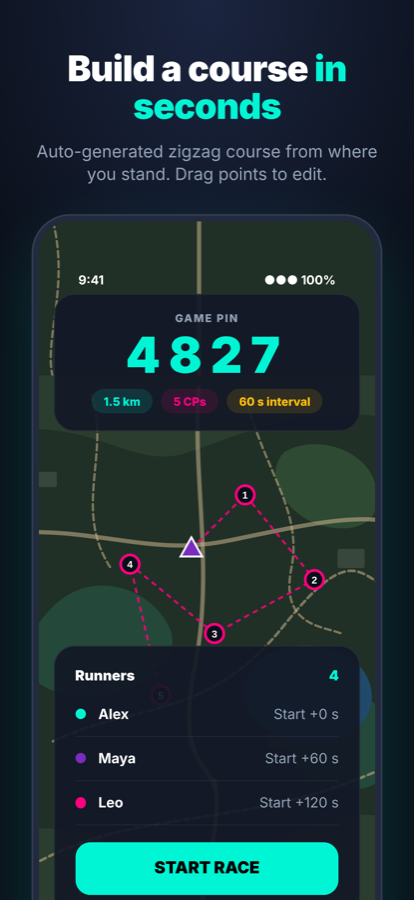
The app builds a course of 5–20 checkpoints around you. Fine-tune it in the full-screen editor or build it by walking, and add quiz questions.
Runners join with a 4-digit code or QR, even after the race has started. No sign-up needed.
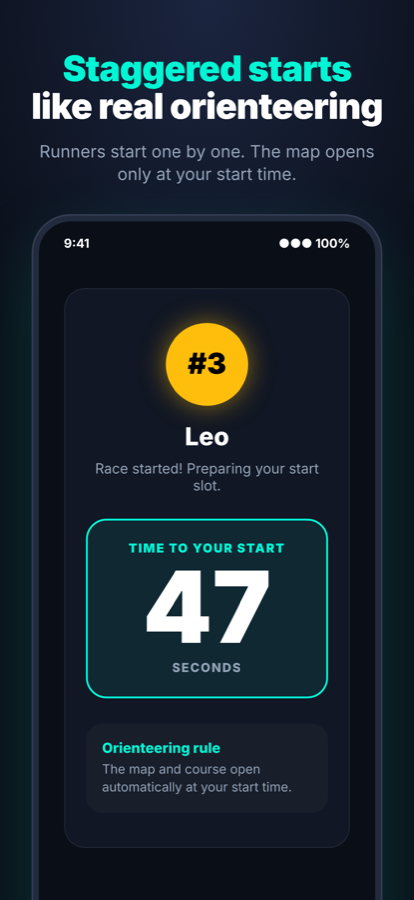
Just like real orienteering, runners start one by one at set intervals.
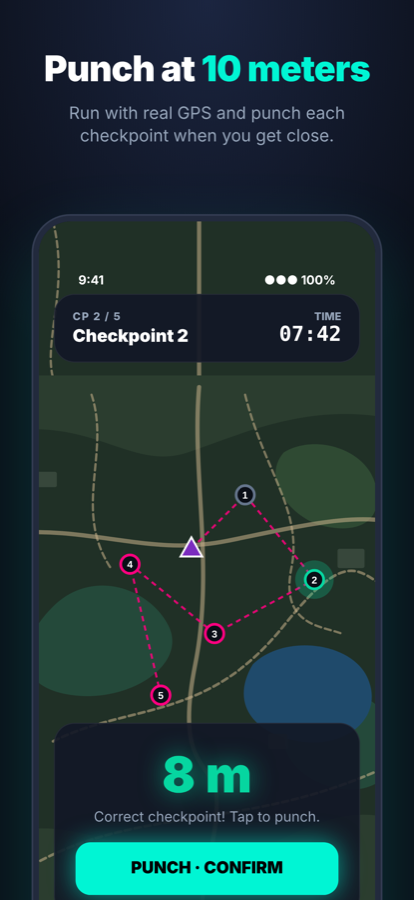
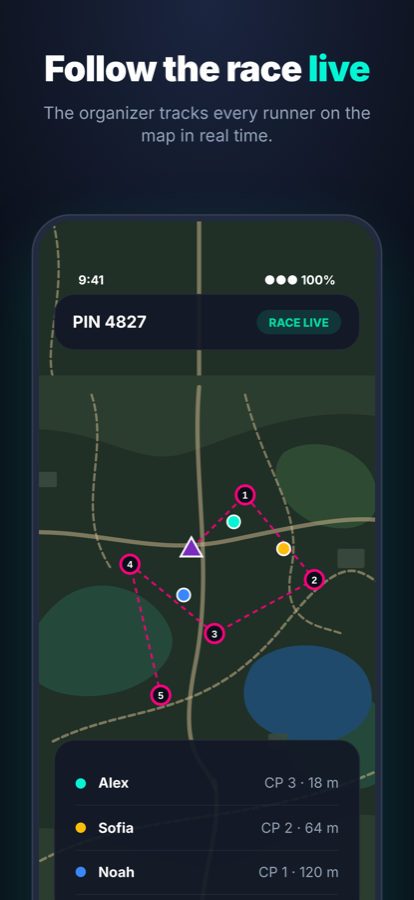
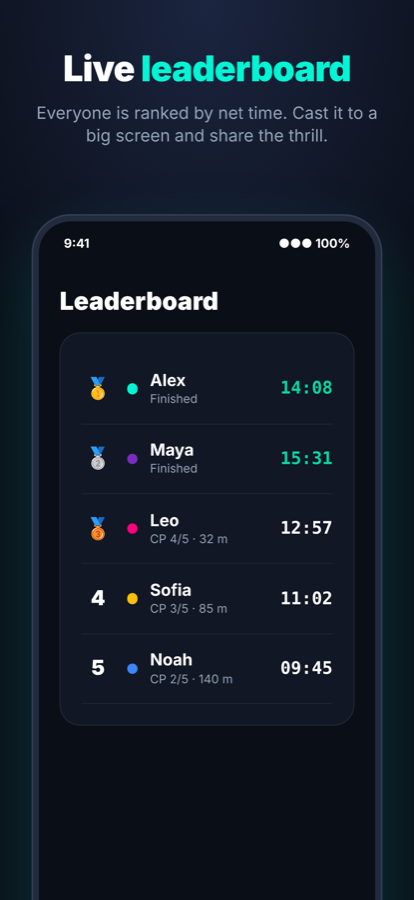
Get within 10 m of a checkpoint and tap PUNCH. A live leaderboard ranks everyone.
Game modes and features
Classic, Score-O and teams
Race the checkpoints in order, collect the most points before time runs out, or start together as a team.
Quiz checkpoints
Add a question to any checkpoint. Right answers earn a time bonus, which turns any race into a treasure hunt.
Permanent courses
Publish a course and anyone nearby can run it solo, any time, or host a game on it with friends. Beat par, earn medals and race your personal-best ghost.
Build a course by walking
Walk to each spot and tap My location to drop a checkpoint where you stand. Your GPS position shows live in the editor.
Leagues
Every finished race counts toward city, country and world league tables.
Clubs
Start a club, invite members with a code and chase a weekly distance goal together.
XP, badges and streaks
Level up, unlock badges and complete weekly quests to keep your streak going.
Screens
Made for
Planning a team event? Write to support@boralabs.app.
FAQ
Do runners need an account?
No. Runners join with the PIN. An anonymous account is created automatically to keep your XP and results; you can link Sign in with Apple or Google to move it to another phone.
Can someone join after the race has started?
Yes. The PIN and QR code stay visible for the organizer. A late runner gets a 30-second countdown of their own, and their time counts from their own start.
How do I build a course by walking?
Open the full-screen editor, walk to each spot and tap My location. A checkpoint is dropped where you stand; tap a checkpoint first to move it there instead.
Does it work without a printed map?
Yes. Checkpoints are GPS points shown in the app; you punch them by standing within 10 meters.
What does it cost?
Joining and running races is free. Organizers get free games to start and can buy game credits or a Pro subscription for unlimited games.
How do I delete my account?
In the app, go to Profile > Account > Delete account. More about account deletion.